Shopify Checkout Abandonment in India: How to Find the Drop-Off
Diagnose Shopify checkout abandonment by testing shipping fees, delivery PIN codes, UPI and cash on delivery. Track whether your fixes improve completion.
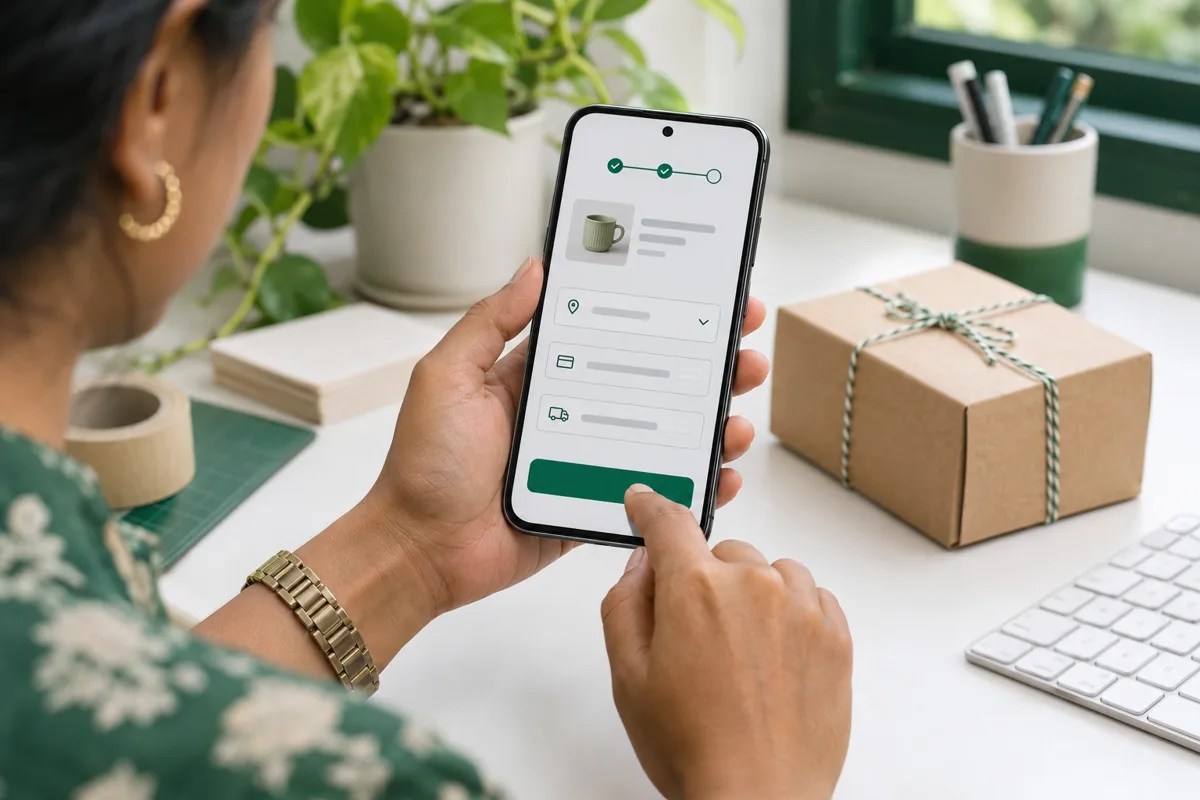
If shoppers start checkout on your Shopify store and leave before ordering, test the flow yourself before changing prices or adding a discount. Start with the payable total, delivery eligibility and payment handoff. This guide walks through those checks for Indian ecommerce stores and shows how to measure a fix without confusing a checkout problem with a traffic problem.
Find the step where shoppers leave
Start with the online store funnel for a fixed date range. Compare sessions that reached checkout with sessions that completed checkout. A large fall between product views and cart adds points to a different investigation. For a checkout review, keep the focus on shoppers who reached checkout. Use the same traffic scope and measurement period for both numbers. Keep a separate operational count of confirmed orders, especially if your team verifies cash-on-delivery orders after checkout.
Open Orders → Abandoned checkouts in Shopify admin and inspect the timeline for a sample that includes several payment methods and delivery regions. Shopify’s abandoned checkout documentation explains where payment events appear. Treat the list as a diagnostic sample because a shopper who leaves early may never appear there. Record the stage, payment method where known, PIN code category and error message. Leave personal customer details out of the working sheet.
Run a mobile checkout test with real delivery addresses
Pick a popular product and use a phone on mobile data. Start on the product page, choose a variant, add it to your cart and proceed as a first-time buyer. Try a metro PIN code, a non-metro PIN code you serve regularly and a PIN code you do not serve. Run the same cart through each scenario so the address is the only change. Use controlled test orders where possible and coordinate with fulfilment so they do not ship.
Write down the first screen on which shipping charges, estimated delivery, payment options and the payable total appear. Repeat with a cart just below your free-shipping threshold and another just above it. A fee can be reasonable and still surprise a shopper if it appears after they enter an address. If the fee depends on destination or weight, show the rule where you can and explain when the exact charge will be calculated.
Match the symptom to a fix
Start with failures you can reproduce. If shoppers report that UPI fails, try the same flow on the device and browser they describe and compare it with a second device. Check whether the gateway opened, whether the payment app opened and what happened when the shopper returned to checkout. Escalate repeatable failures to your provider with the time, device, provider reference where available, and the exact message.
| Symptom | First test | First change to consider |
|---|---|---|
| Total jumps after the address is entered | Compare two carts around the shipping threshold | Show the shipping rule in the cart |
| Delivery option disappears after PIN entry | Test that PIN with the same SKU and weight | Correct the applicable shipping profile or explain serviceability earlier |
| UPI returns shoppers to the payment step | Reproduce on Android and review provider events | Fix the gateway handoff with the provider |
| Cash on delivery disappears near payment | Try an eligible and an ineligible PIN with the same cart | Explain eligibility before checkout |
| Discount seems to apply but total stays the same | Check the offer floor, excluded products and final total | Display the offer terms alongside the promotion |
Test one change with a realistic baseline
Imagine a Pune homeware store gets 240 checkout sessions and 96 completed checkout sessions over seven days. That is a 40% completion rate. Its team reproduces one problem: the cart says free shipping, but a shopper must spend ₹999 to qualify. The team changes the cart message to “Free shipping on orders of ₹999 or more. Your delivery charge appears after you enter your PIN code.” The ₹999 threshold is illustrative and should match the actual store rule.
In the next seven days, suppose 110 of 250 checkout sessions complete. That is 44%, an increase of four percentage points. Review whether traffic sources, device mix, discounts or delivery coverage changed before crediting the message. Check payment errors and order counts as well. With small volumes, keep measuring across more comparable weeks and look for the same pattern. An improvement in the aggregate rate can hide a decline among mobile shoppers if the share of desktop sessions rises.
Keep recovery messages tied to the checkout problem
A recovery message can help a shopper who was interrupted. If the original problem was a payment error or an undeliverable address, a reminder simply brings the shopper back to the same barrier. Fix the recurring issue first. Then test a recovery message that offers a clear way to resume or get help. If you already offer a free-shipping threshold, use accurate wording in the message and test the resume link with a controlled checkout.
Keep a separate view of cash-on-delivery outcomes. A shopper can complete checkout and still cancel or refuse delivery. Track confirmed COD orders, shipped orders and returns to origin alongside checkout completion if you change COD availability. Making COD available in more locations could lift completed checkouts while adding fulfilment costs. Decide whether the change helped using both customer completion and operational outcomes.
Use this checklist before your next campaign
Take one checkout session from a product page to the order confirmation screen. Record the shipping cost and delivery promise at each stage, then repeat the test for the main payment options and the three PIN code scenarios. Check that discounts change the final payable total. Choose one reproducible issue, assign an owner, and keep screenshots of the before and after screens with customer details removed.
Review next week’s checkout completion with the same date window and device breakdown. If the mobile flow still breaks, start with the last screen you could reproduce and trace the handoff from there. Zenvo Commerce’s Shopify store development service can help review the product page, cart and checkout journey together. Bring the affected device, delivery region and error message so the team can reproduce the issue.